Watch a Demo | Join us for a Webinar | Start a Free 30-Day Trial | Pricing
Dashboards
Visualizing Survey Results with Dashboards
A critical phase of the research process is the presentation of results to clients. This is typically done in a variety of different ways, including the use of tables and charts in reports and slide presentations. Using MarketSight is a great way to analyze your data and generate those traditional deliverables.
One of the more accessible and more engaging ways to present research results is through the use of online dashboards. Done well, dashboards provide simple tools for viewers to immerse themselves in the research findings in a way that is visual and interactive but requires no special training. Try this sample interactive dashboard.MarketSight Dashboards can help you present your findings in a way that no other static medium can.
Just what is a Dashboard?
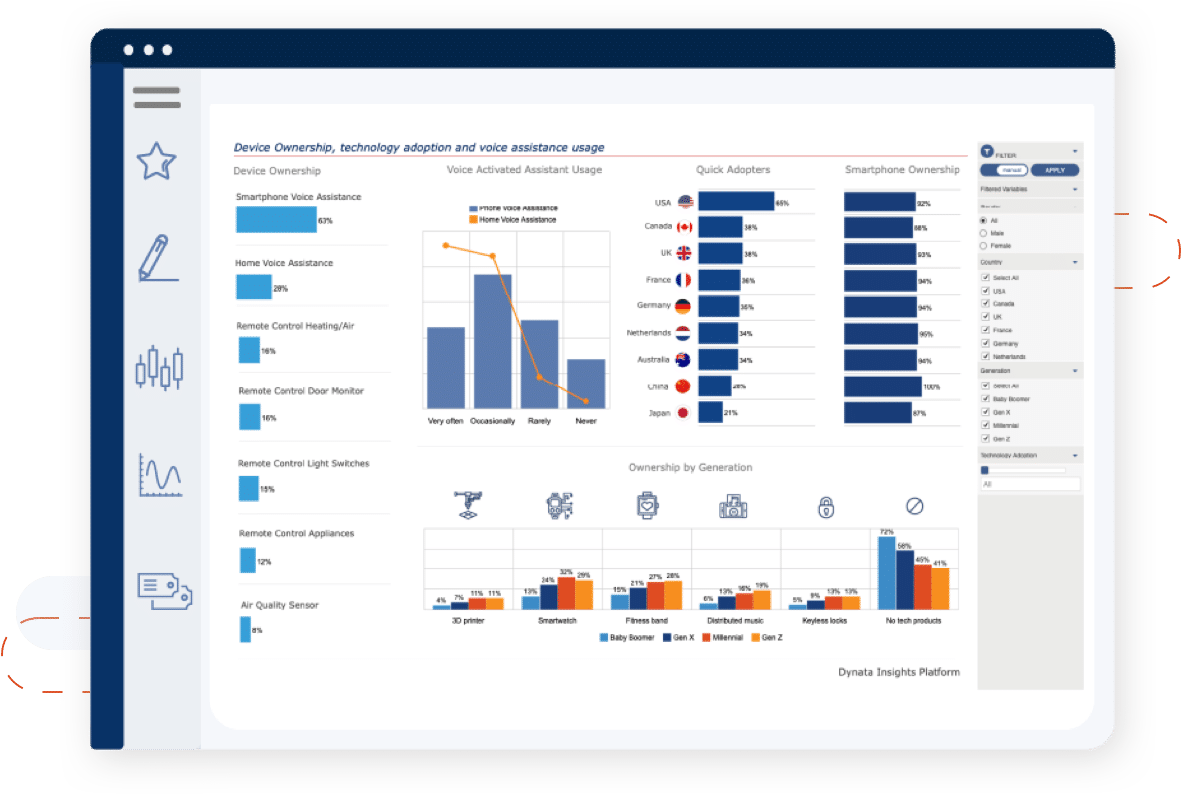
A dashboard is a collection of different visual elements -- usually charts -- arranged on a single web page, providing a summary of the most important results or findings related to a particular subject. Dashboards can be connected to live data that is automatically updated in real-time, or based on a completed survey project or other finite datasets. Dashboards should be accessible on any internet-capable device anytime and anywhere, providing a significant advantage over traditional static reports.
The example below shows a dashboard containing four charts relating to a particular product line, showing market share, brand awareness, and several other metrics. This single dashboard provides an instant view of all the key performance indicators.
Dashboard example - click on the image below to go to an interactive dashboard
Interactive Charts Are More Engaging
Being able to see these results graphically and control how the informaiton is displayed is a major advantage of dashboards over static charts and reports. Dashboards bring the data to life and enable a level of analysis that can be performed by anyone, regardless of expertise, potentially yielding important new insights for the business. While viewing the different charts in this sample dashboard, a user may want to see the data in a different way. Perhaps:
- sliced by region or by country
- showing different products
- showing more than 12 months of data
- showing a quarterly breakdown instead of monthly
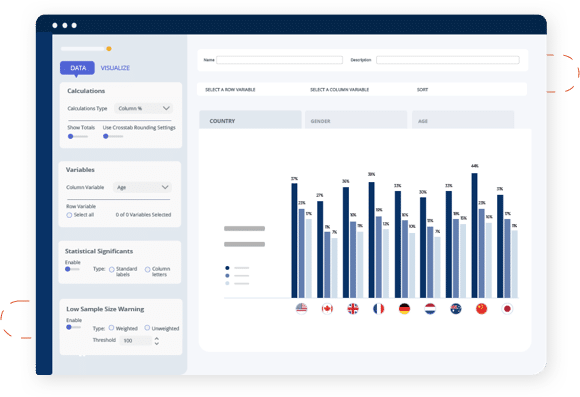
By using an interactive chart in this
dashboard, you can provide the user with those options, as shown
below.
Enabling Your Organization vs. Hiring a Consulting Firm Once you've determined that dashboards will enhance your ability to
share the results of your research with colleagues and clients, you
have two basic options for creating dashboards. The big question is
whether you should select an analysis and reporting platform that
includes the tools that will enable you to create dashboards with your
current team or engage a specialty consulting firm that will design a
custom dashboard for each new project, for each client, at considerable
expense.
We have some definite views on this, but we think that most
companies -- large and small -- will gain a significant advantage by
having the ability to create and publish dashboards from any dataset,
for any client, at any time, with no incremental costs, by using an
integrated data analysis and reporting solution that has dashboard
design and deployment capabilities that are fully integrated.
One Complete Solution If you do conclude that your organization would benefit from having
one complete solution to work with any dataset to create crosstabs,
perform statistical analysis, create charts, export results to
Microsoft Office applications such as Excel and PowerPoint, and of
course, create dynamic dashboards, then the dashboard features of such
a solution should meet the following requirements: MarketSight Dashboards The MarketSight dashboard solution delivers on all of these
requirements and many more, making it a natural extension of your
analysis and reporting workflow, enabling you to create compelling
interactive dashboards from existing charts and crosstabs in just
minutes. These dashboards can be shared with other MarketSight users
and non-users absolutely free, on your own web site or ours. Creating a dashboard is as
simple as dragging a MarketSight chart or crosstab onto the canvas and
selecting a few formatting options. From there, you can share the
dashboard with anyone, including non-MarketSight users. They'll always
be connected to the live dashboard on the server, so as data is
updated or if you make changes to the dashboard, all viewers will see
those changes automatically. Dashboards can even be exported to
PowerPoint to enhance your final report. Learn More About MarketSight
Dashboards The Dashboards and Interactive Charts features
are included with MarketSight's Enterprise Edition, so if you're
already a customer, we encourage you to take advantage of this great
feature. If you are not yet among MarketSight's thousands of users, we
invite you to learn about dashboards for yourself first-hand by
signing up for a
free 30-day
trial of MarketSight. Use the sample data we provide or upload your own data
and do work on a current project.