Home Contact Sitemap

intelligent. powerful. intuitive.
ANALYSIS & REPORTING SOLUTIONS FOR RESEARCHERS


"The newest updates to MarketSight are awesome!

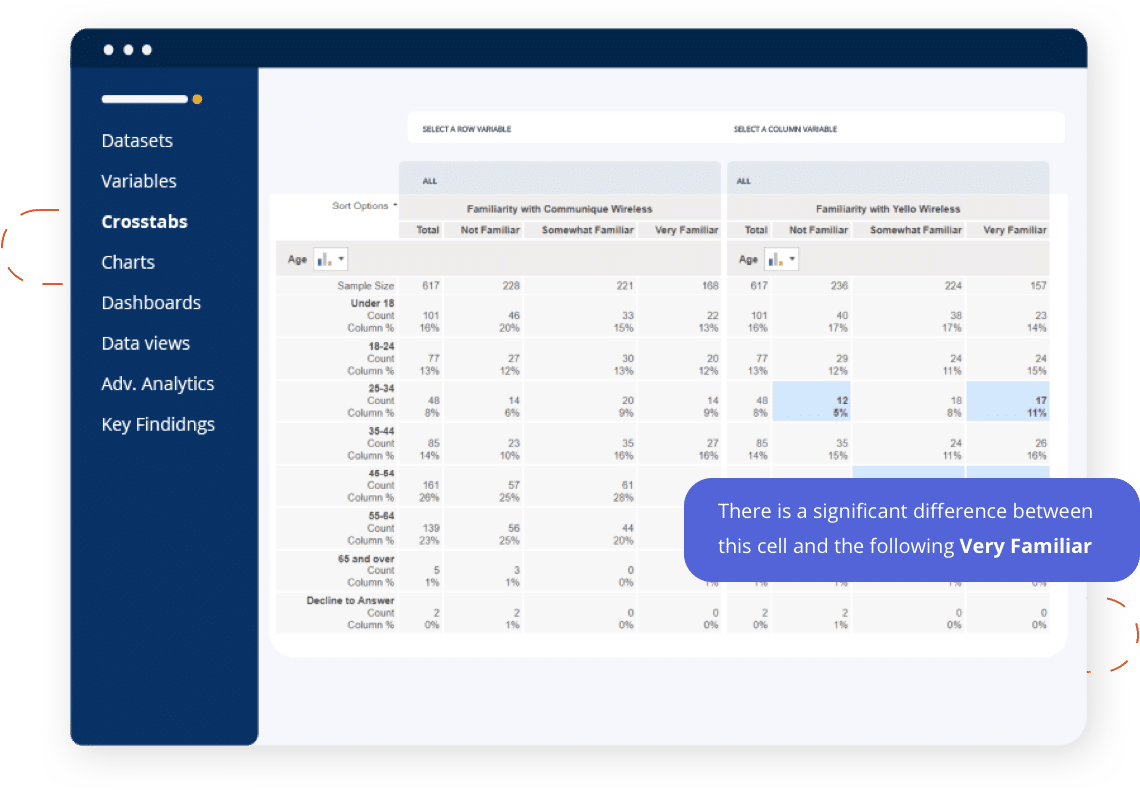
We asked for significance notation and MarketSight delivered.

And then they added PowerPoint ChartSync, which allows us to easily update existing charts with new data. Creating draft reports using a partial dataset and then loading the final dataset when it's available is extremely helpful in reducing the report delivery time for our clients.

Using MarketSight gives us more time and flexibility to do what we do best - interpret the research and deliver actionable insights to our clients."

Learn more about MarketSight Survey Analysis Software
Watch a Demo   |  Join us for a Webinar...  |  Start a Free 30-Day Trial  |  Pricing

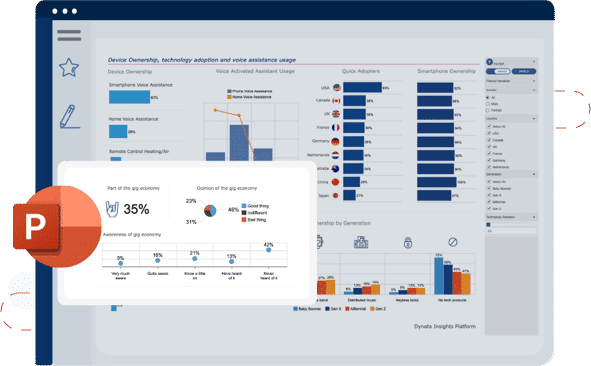
PowerPoint ChartSync

Update all of your charts in a previously created PowerPoint deck with just one click!

The Challenge

You've probably spent hours creating and formatting charts in PowerPoint and then the data changes. Before ChartSync, that meant you had to recreate your charts, export those charts to PowerPoint once again and then reformat the charts one by one. Imagine if you had to re-do 50, 100 or even more charts. Often, this time-consuming process is repeated multiple times throughout the year as waves of new data come in.

The Solution

ChartSync is fast and easy. When new data comes in, you simply click on the PowerPoint Sync button, select the original PowerPoint deck and ChartSync does all the rest, updating the charts and the data behind them in a revised version of your PowerPoint presentation. In addition, ChartSync generates a log file listing all of the charts in your presentation, along with individual update status, so that you can see which charts were updated.

ChartSync is ideal for updating tracking studies, where data is continually appended in waves, and to finalize a preliminary presentation based on early survey responses.

ChartSync is an exclusive feature of our Enterprise edition.